Branding
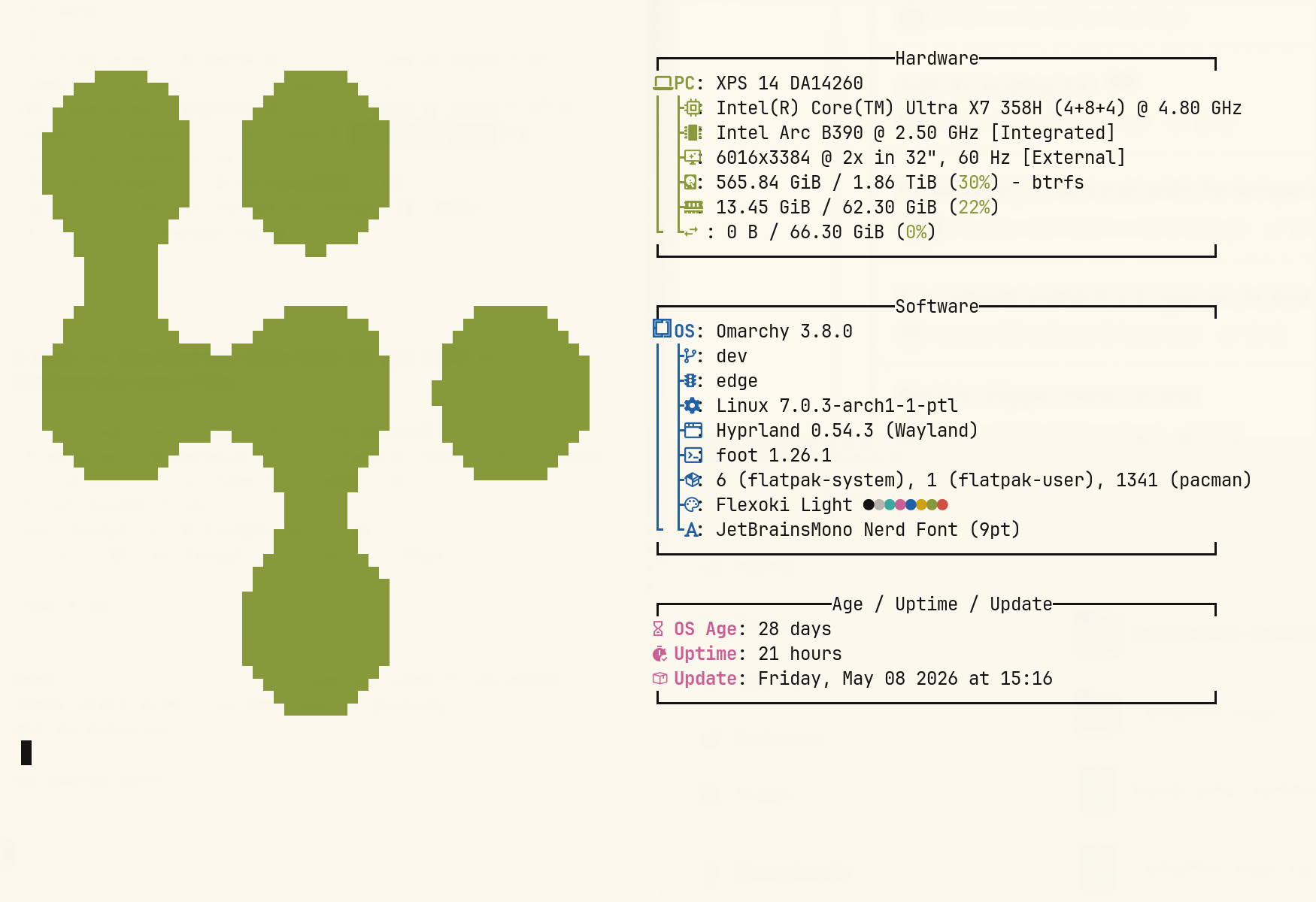
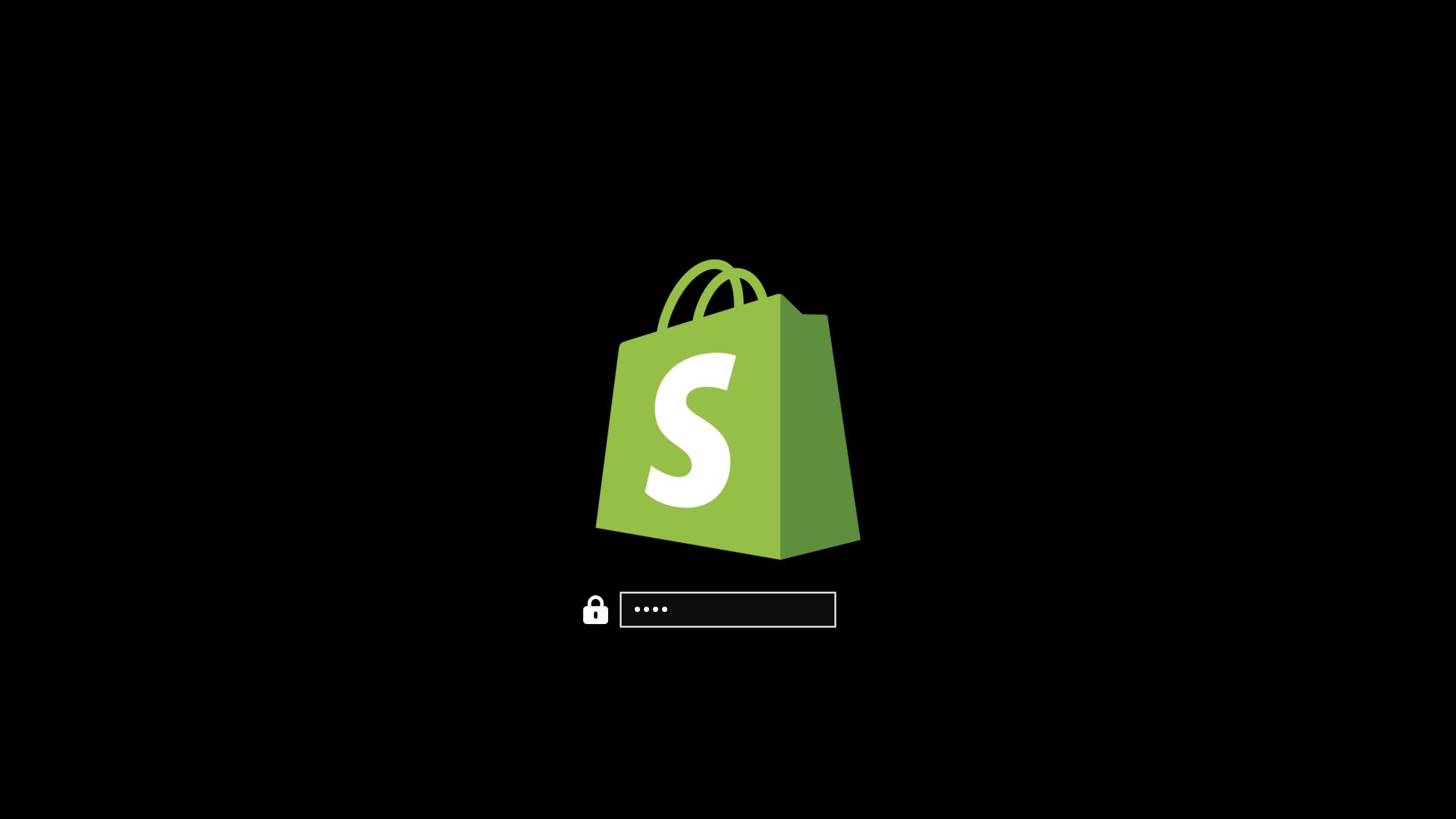
Omarchy allows you to set your company logo or personal image for both the boot unlock, the screensaver, and the about screen.
Boot unlock
You can use omarchy plymouth preview to see what your custom logo and colors would look like. Then apply the setup with omarchy plymouth set. If you want to revert, you can use omarchy plymouth reset.
Screensaver
You can change the logo used for the screensaver under Style > Screensaver. It's an ASCII logo, so you can edit the text directly, but you can also upload a png or svg image, and we'll convert that to ASCII. It looks pretty cool.

About screen
The same can be done with the About screen accessible from the Omarchy menu. Same options as with the screensaver under Style > About.