Terminal
Alacritty is the default terminal for Omarchy. It's fast, beautiful, and compatible with even old computers. It does not, however, support native tabs, splits, or image rendering.
If you use Tmux, you may not mind, but if not, we fully support Ghostty, Foot, and Kitty as options as well. Pick your preference under Install > Terminal in the Omarchy menu.
You start a new terminal using Super + Return. (This binding will automatically point to whichever Terminal you've installed via Install > Terminal.)
Tmux
Tmux provides a consistent, programmable interface for panes, windows (aka tabs), and resumable sessions regardless of your terminal. It even works on remote hosts, so when you're SSH'ing into a server, you can use the same approach.
You start a new Tmux session in a fresh terminal using Super + Alt + Return, and because Tmux is a persistent process, you can resume your session even if you close that terminal. Just hit Ctrl + Space (called the prefix key) then s to see all your active sessions.
Omarchy ships with an ergonomically-optimized Tmux configuration, which has a lot of keybindings to learn, so keep the cheatsheet handy.
Tmux layout functions
Because Tmux is programmable, we can use functions to create layouts. Omarchy ships with three different functions for common developer layouts.
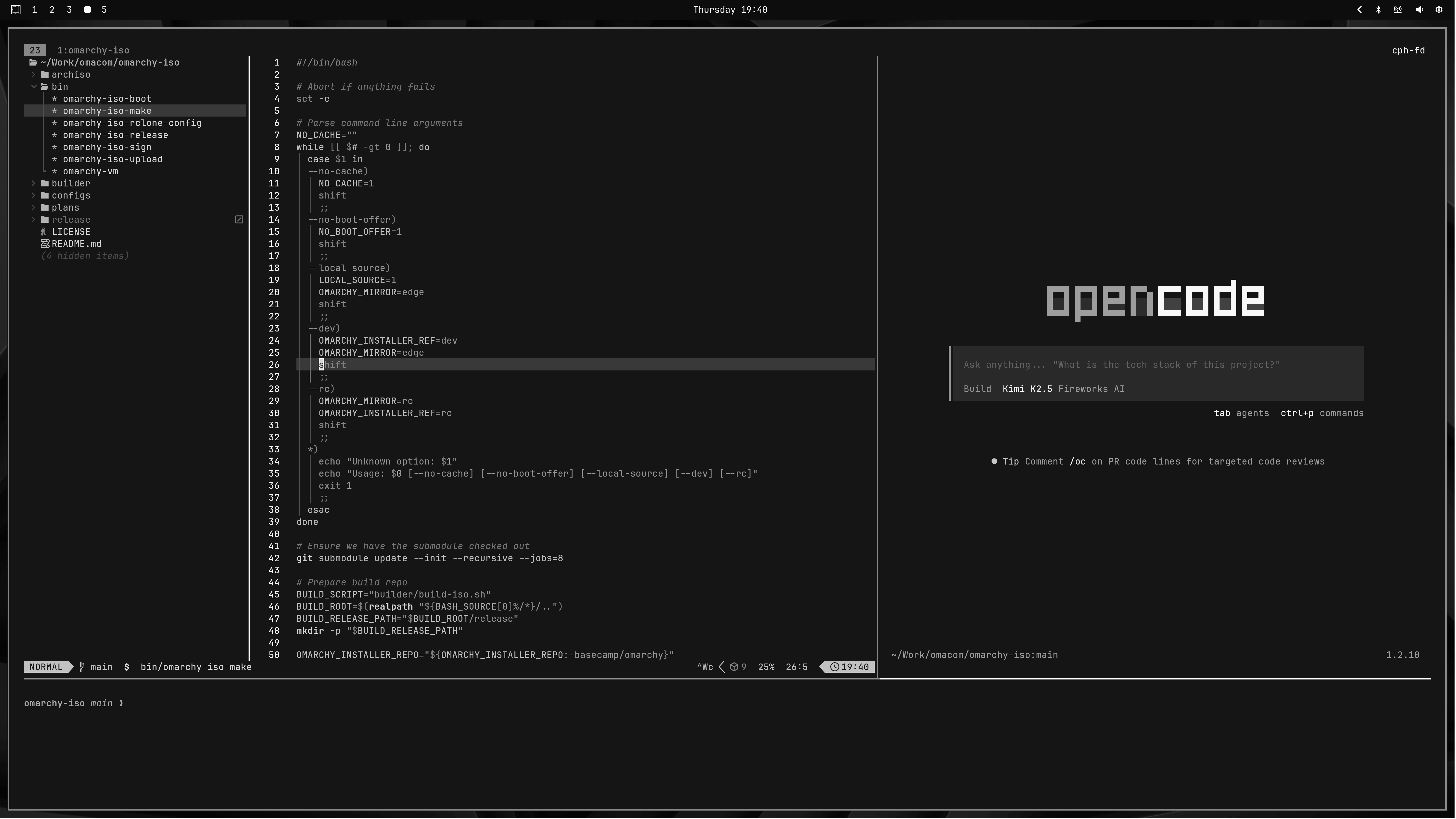
tdl [agent] starts a three-way split IDE-like interface with the $EDITOR on the left, your chosen AI agent on the right (like c for opencode or cx for Claude or codex for OpenAI), and then a terminal at the bottom.
So tdl c would start this (or just ic):
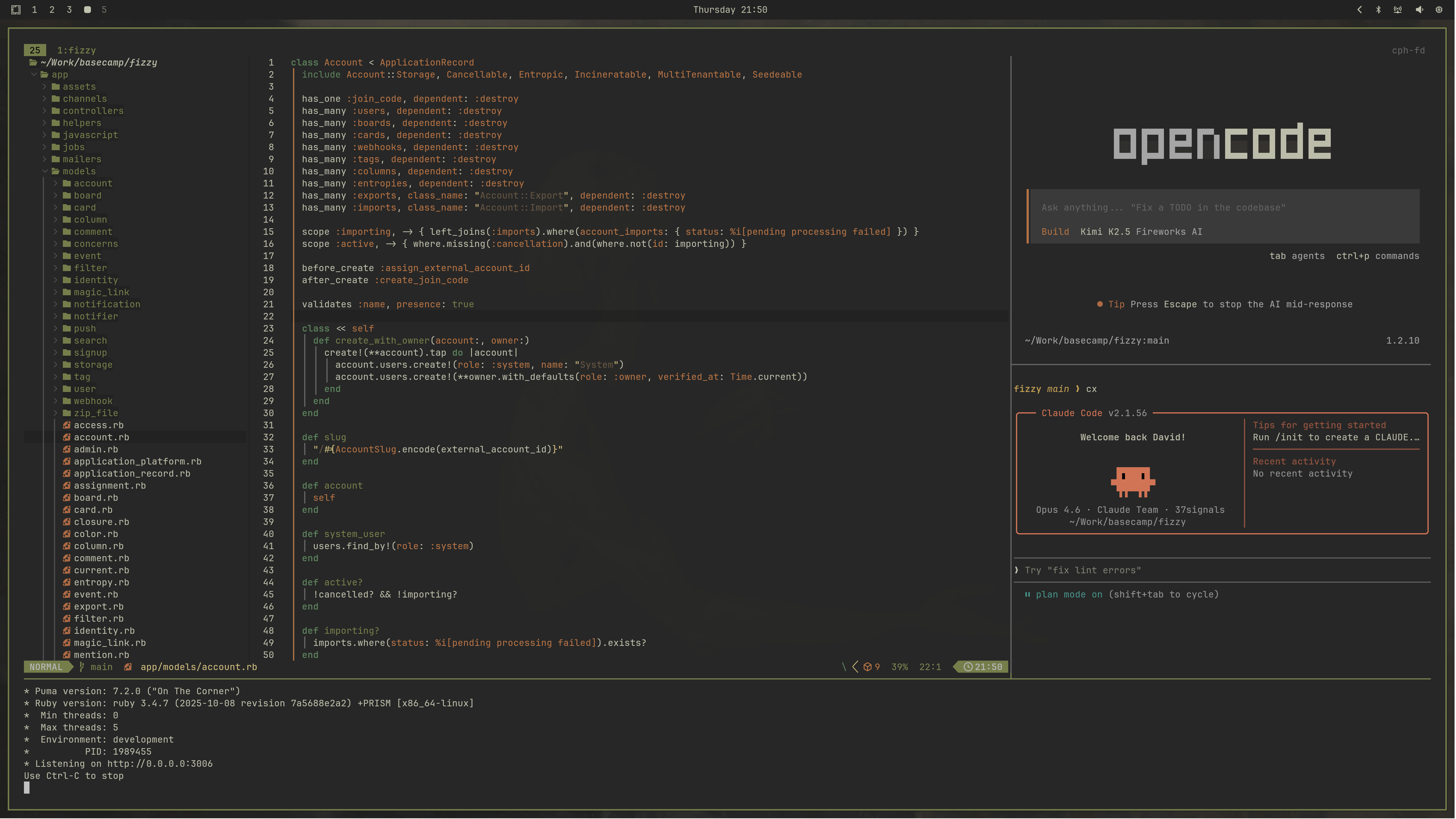
You can also start a second agent with tdl c cx (opencode + claude) (or just icx):
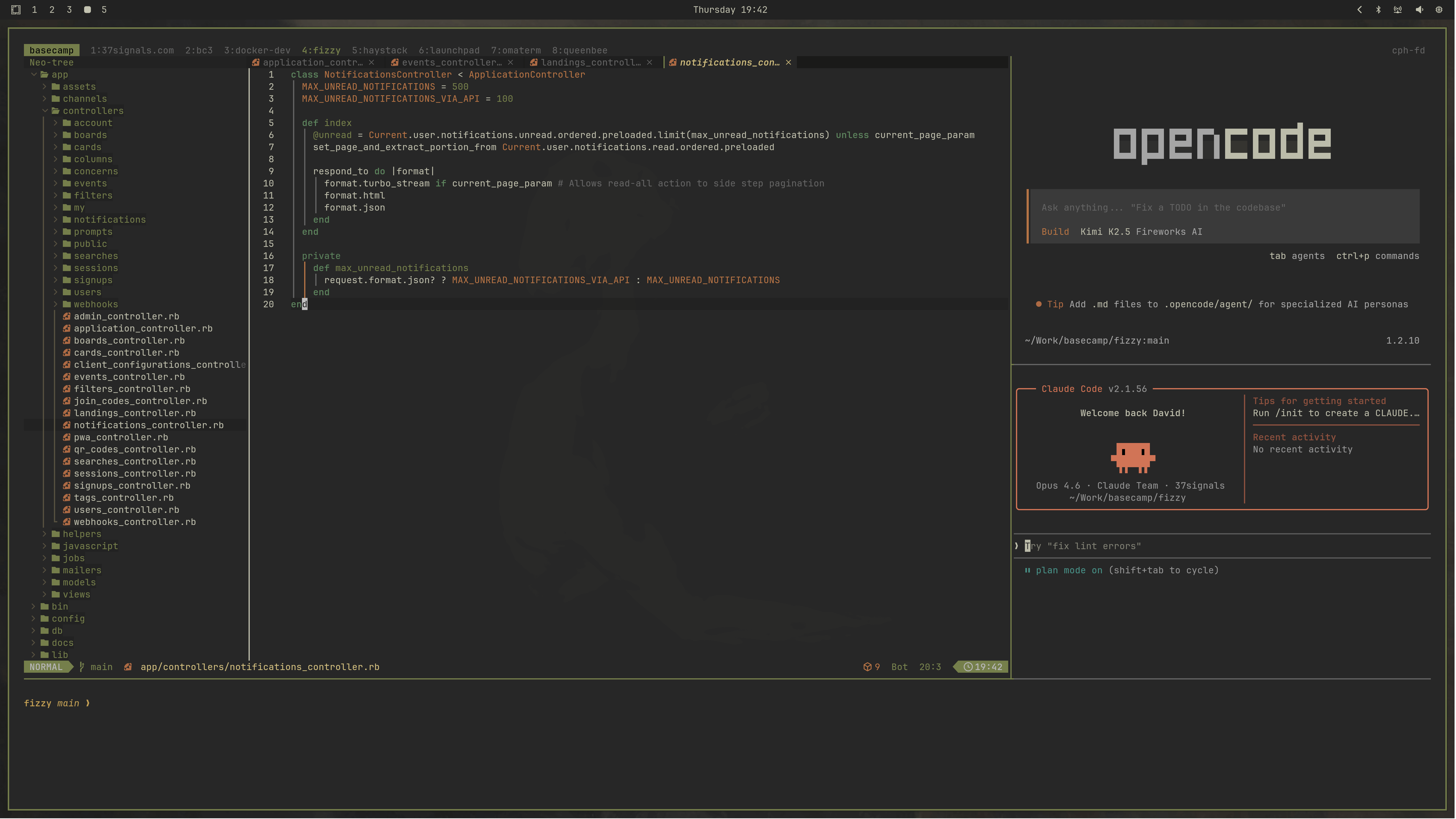
You can also start this layout configuration for every subdirectory in the current directory using tdlm [agent], then navigate using alt + 1/2/3/5/6/...:
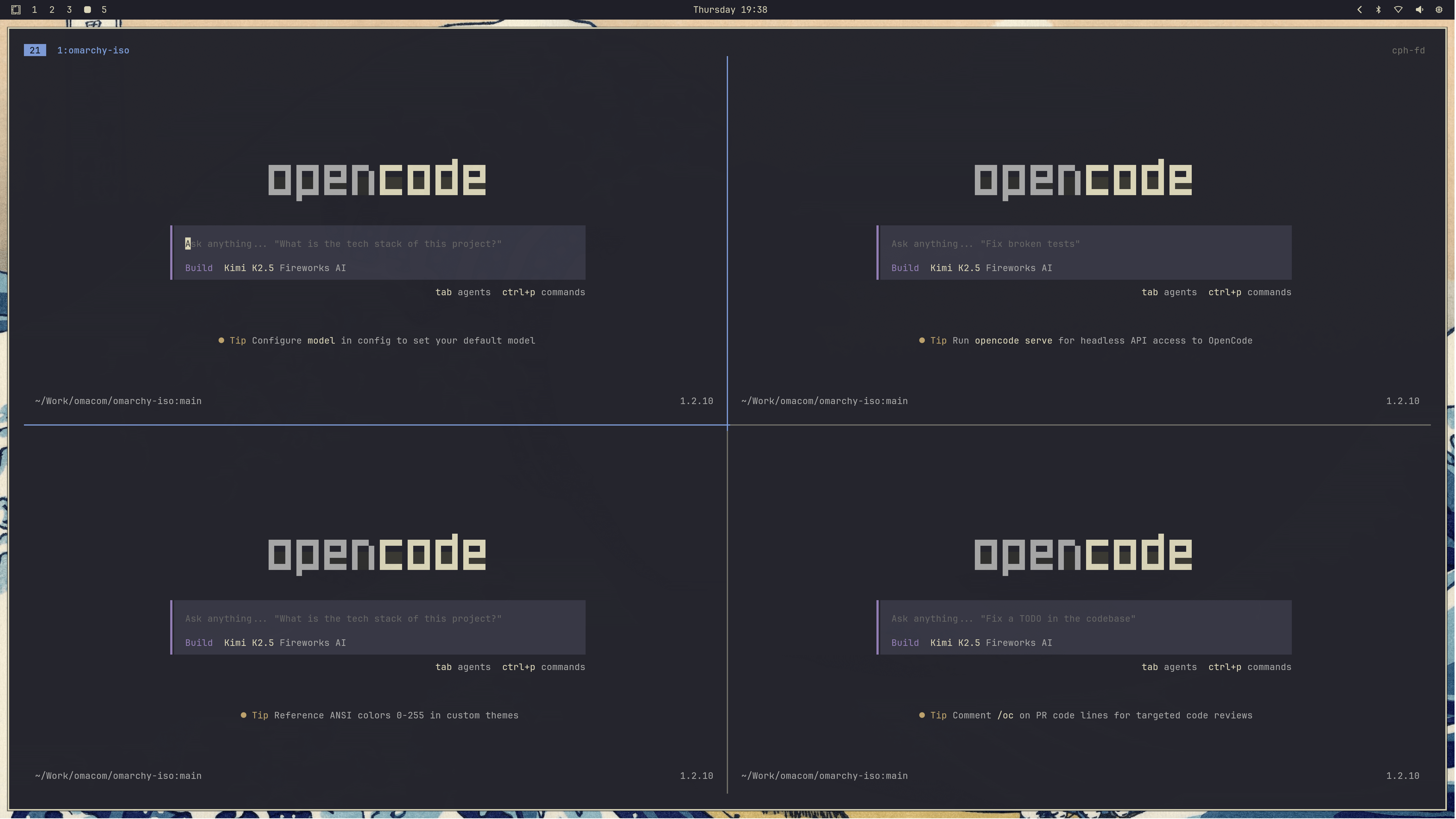
Finally, you can start a swarm of agents using tsl [panes] [command]. So tsl 4 c will give you a four-way grid of opencode agents: